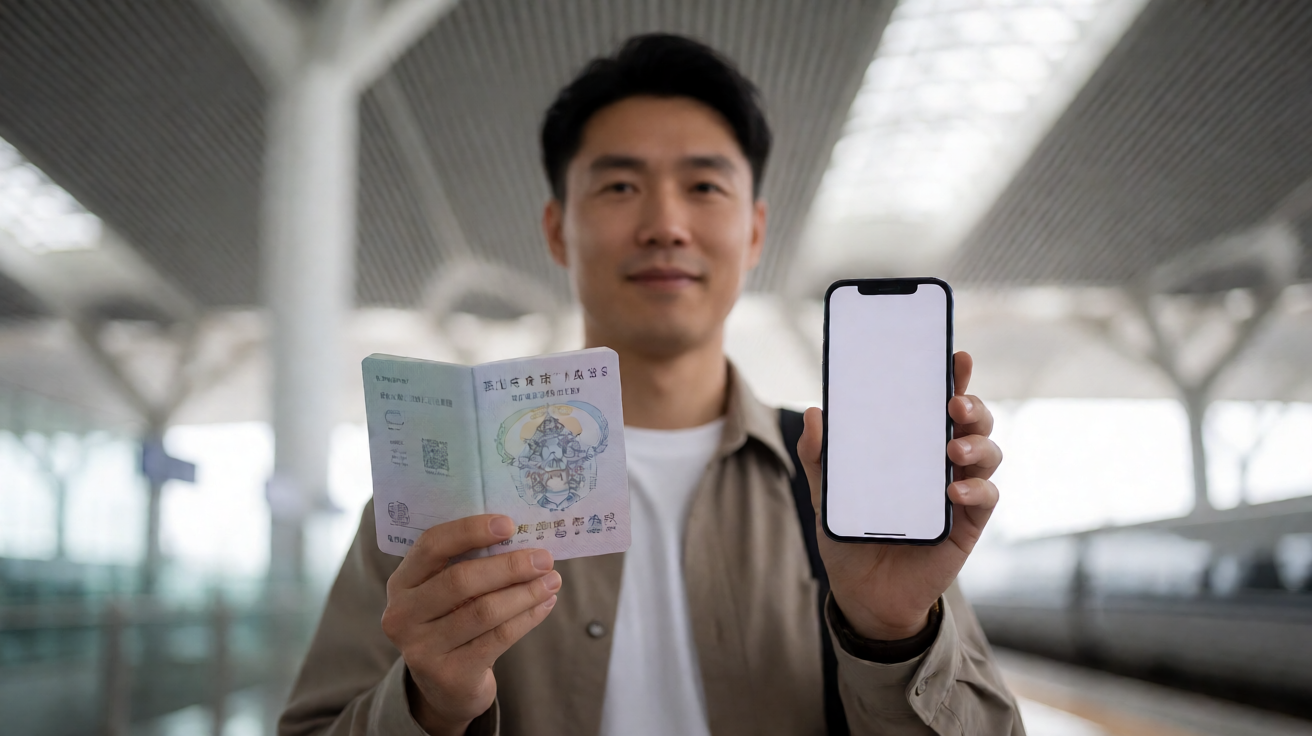
If 12306 says your identity verification failed, do not create several new accounts or repeatedly change your passport details. China Railway uses real-name ticketing, so the fastest fix is usually to make the account data match your physical passport, then use the official manual-review or station route if automatic verification does not complete.
The official 12306 English site accepts valid foreign passports for its English website, while the government’s visitor guide says foreign travelers must complete identity verification before purchase. It gives three routes: enter details as instructed for automatic verification, upload a passport-information-page photo for manual verification, or take a valid passport to a station ticket office. Read the official visitor guide and the 12306 English FAQ.
First, identify the kind of verification problem
The practical fix depends on where the process stopped:
- Registration will not accept the details: check your passport name, number, nationality, birth date and expiry date character by character.
- Account exists but identity is pending or rejected: use the app or website’s passport-upload/manual-review route rather than registering again.
- You need a ticket soon: take the original passport to a railway-station ticket office and ask staff to verify identity or sell the ticket.
- You cannot log in: resolve account-security or mobile-verification prompts first; do not confuse them with passenger identity review.
These are different checks. A text-message or login prompt does not necessarily mean your passport record is wrong.
Enter passport details exactly as the document shows
Use the passport that you will carry to the station. The name, number, nationality, date of birth and expiry date should match it exactly. Avoid adding informal names, changing the order because it “looks more natural” in English, or substituting another document number.
The current 12306 English registration page says that foreign passports are accepted and links to its passport-information entry rules. See the official registration page. If a middle name, hyphen or spacing is unclear, follow the system’s passport-entry guidance and preserve screenshots of what you submitted. Do not make a second passenger profile with a different spelling: it can create a duplicate-record problem instead of fixing the first one.
Use manual passport review when automatic verification does not work
The official Chinese 12306 verification page asks for a clear passport information-page photo and a clear photo of the traveler holding that passport page. It also says uploads may be JPG, JPEG or PNG and below 10 MB; its page states that manual material review can take 3–5 working days. Official 12306 verification page.
Before uploading:
- Use the original, valid passport—not a crop from a previous travel booking.
- Make the information page sharp, well lit and fully visible; remove glare and do not cover details.
- Ensure the account data matches the page before submitting photos.
- Keep the confirmation screen and do not submit multiple conflicting versions.
The review window means manual verification is a poor last-minute plan. If you are travelling tomorrow, use a ticket office instead of waiting for an online outcome.
Get help at a station when time matters
The government guide specifically says travelers can take valid passports to a railway-station ticket office for identity verification. After verification, foreign visitors may buy tickets through the 12306 English website or app, or at the ticket office. At the station, bring the original passport used for registration and the account or booking information if you have it.
For travel day, keep that same original ID with you. The 12306 English FAQ says passengers should retain the e-ticket information and the valid ID used to buy it, and show the ID for station entry, exit and boarding. An itinerary sheet is useful for reference, but it is not the travel document.
Avoid the fixes that make things worse
Do not use someone else’s account or passport, edit a passenger name after ticketing, or buy the same train twice while waiting for a payment or verification result. If you must buy through a ticket office, ask staff to use the same passport identity you intend to present at the gate.
For account support, use 12306’s official channels only. The English service center lists the customer-service number as +86 12306. Avoid sending passport images to unofficial social-media accounts, agents or random chat contacts.
Research questions before you retry
Reader perspective
- Is my problem passport identity review, account login security, or payment verification?
- Does every name, number and date match the passport I will carry to the station?
- Do I have enough time for manual review, or should I visit a ticket office today?
- Which original document must I show when boarding?
SEO / People Also Ask perspective
- Why does 12306 say passport verification failed?
- How do foreigners verify identity on the 12306 English app?
- How long does 12306 passport manual verification take?
- Can I buy a China train ticket at the station with my passport?
Competitor-gap perspective
- How can I tell an account-security prompt from a rejected passport review?
- What photo quality and file requirements apply to 12306’s manual passport upload?
- What is the lowest-risk option when my train departs before online review can finish?
Bottom line
Treat the passport as the single source of truth. Correct the account data, use official manual review with clear images when time allows, and go to a station ticket office with the original passport when it does not. That is more reliable than opening duplicate accounts or chasing unofficial fixes.